Online poker with friends: create and join a room in WPT HOME
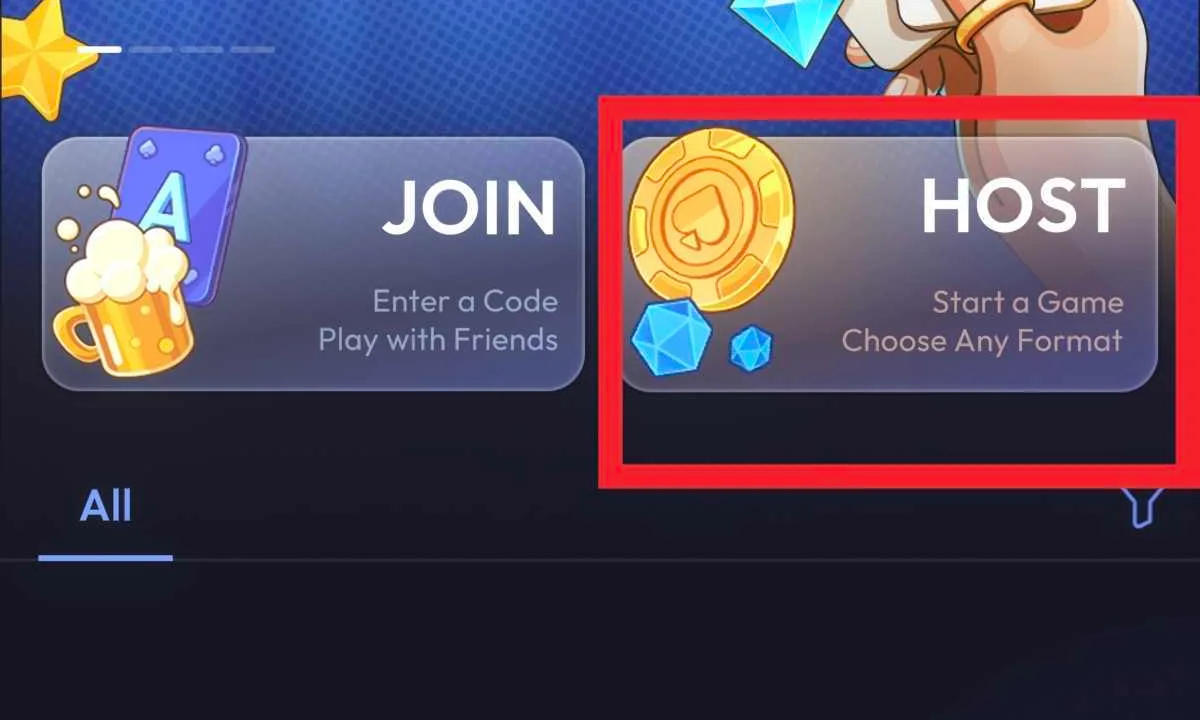
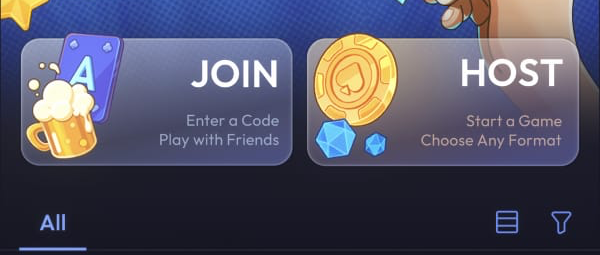
One person creates the game and sends an invitation; the others join with the link or, for a regular private room, its room number. In the WPTHOME APP, those are two different jobs: HOST starts a game, while JOIN is for someone entering an existing room by number.
Before you begin
Decide who will host and which game type your group wants to play. Guests only need the invitation from the host. Creating games and inviting friends are free; the available Texas Hold’em game types and modes can also be tried for free.
Create the room and send an invitation
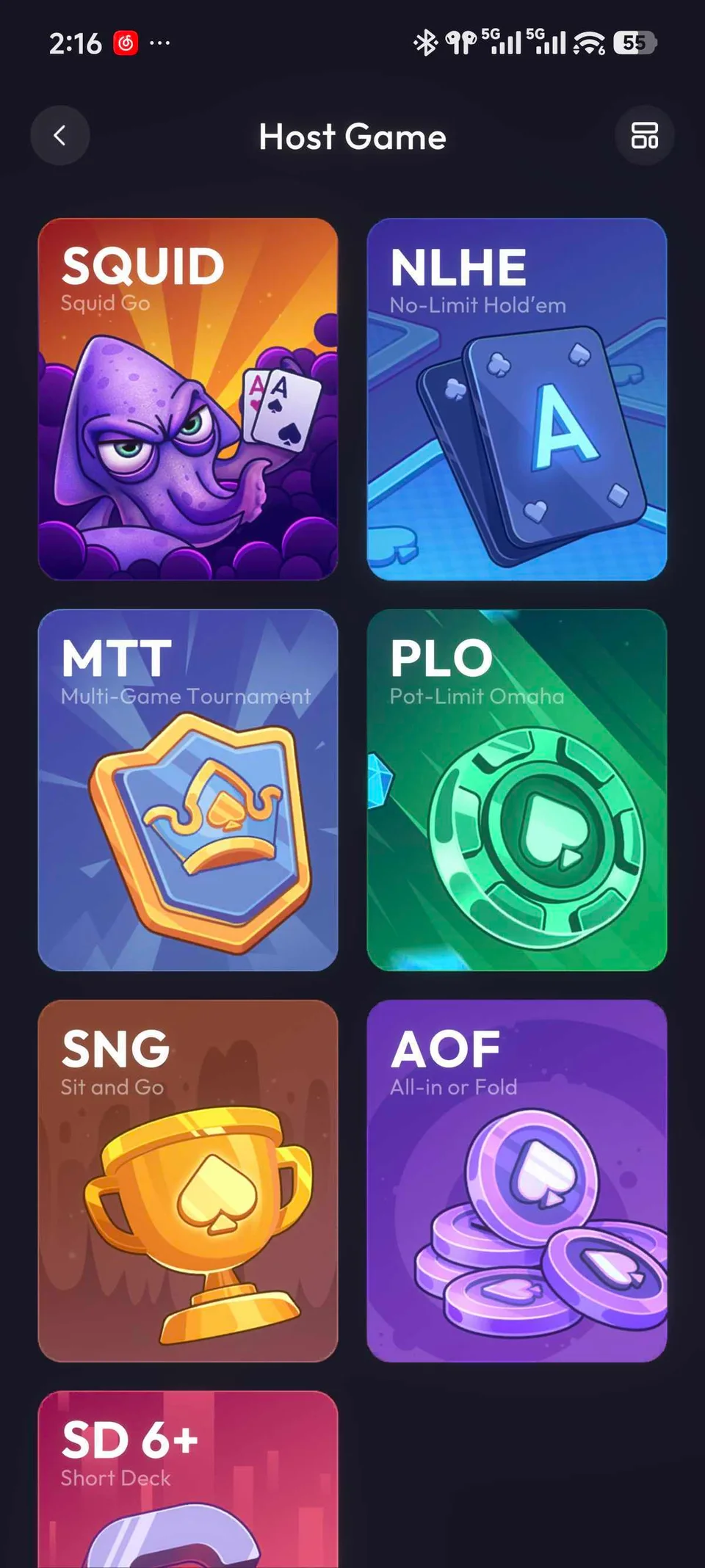
- On the home page, tap HOST and choose a game type. Its setup screen opens next.
- Adjust the rules and tap Host Game. For NLHE, the setup includes options such as blinds, buy-in, Ante, player count, game duration, and action time. Quick Mode shows fewer settings than Pro Mode. Save Template saves settings for later; it does not create the room.
- In the new room, use the share button at the top right to send the invitation. Copy copies the invitation information; Share opens the device’s sharing options. Send your friends the link or room number you intend them to use.
Most game types, including NLHE and PLO, open a waiting table with room information and an INVITE FRIENDS button. MTT opens Game Info first instead. Both are normal outcomes of creating the respective game type; the sharing control is in the created room.
Join a friend’s room
- Received a link? Open the invitation your friend sent you.
- Received the number of a regular private room? On the WPTHOME home page, tap JOIN and enter that number in Game Number.
“Room number” is what the host shares; Game Number is the field label on the joining screen. If you reached a game-selection screen while trying to join, you opened HOST: return to the home page and use the invitation method you received.

 10 hours ago